Arabic Games for the Classroom
Arabic games for the classroom: free, no-install browser games for whole-class play, stations, and warm-ups. No accounts, no prep, works on Chromebooks.
⭐ Featured game: Letter Runner
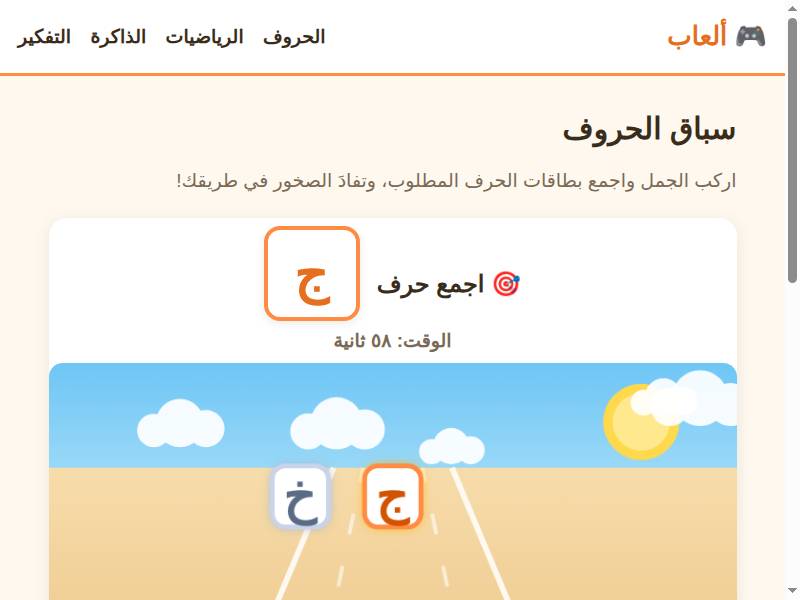
Letter Runner is the whole-class energizer: project it, split the class into teams, and let each team shout the letter to catch. Two minutes of noise, and every child in the room has recognized twenty letters.
More games to try
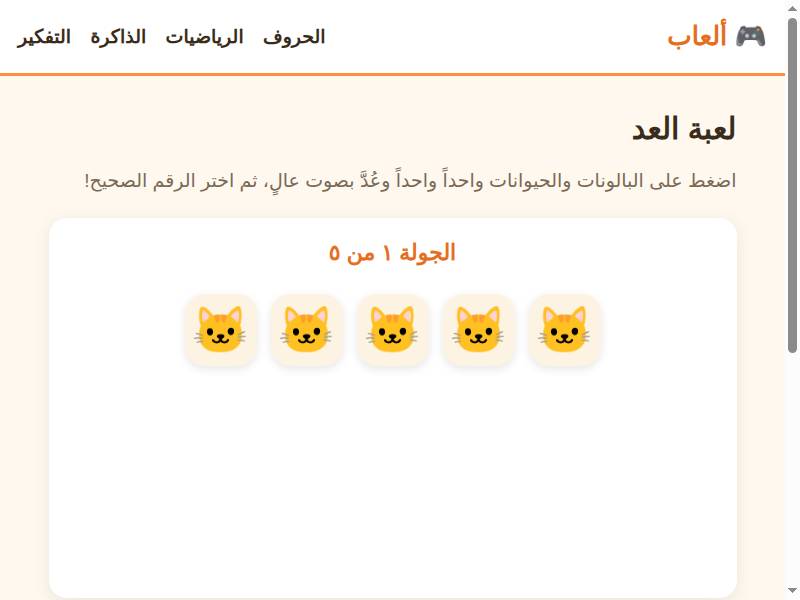
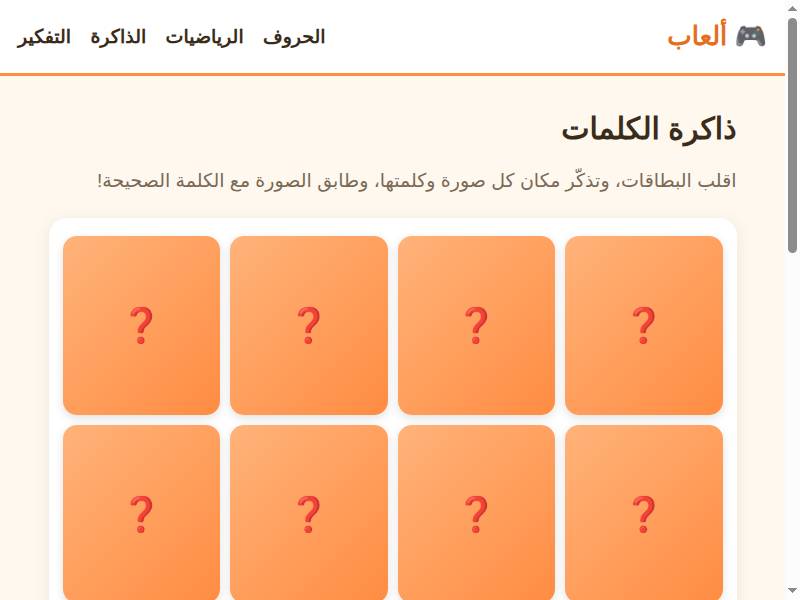
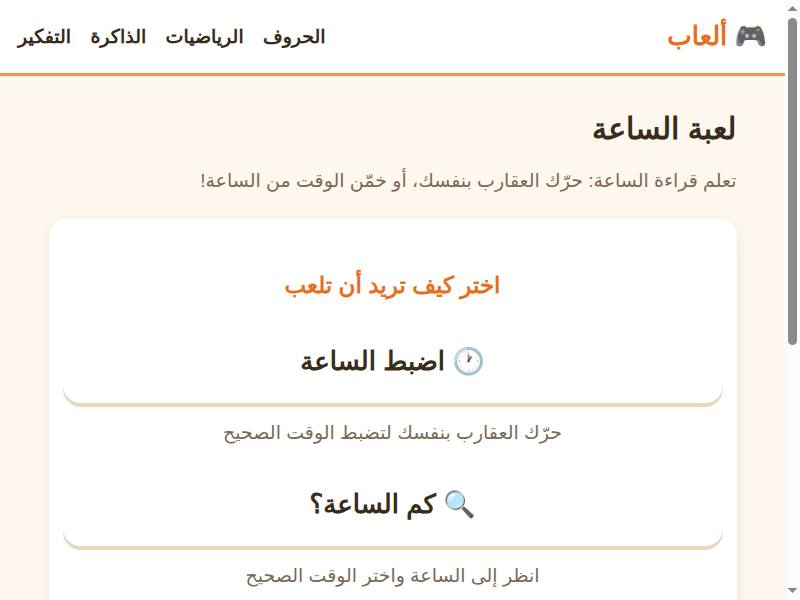
Why these games work in school
Classroom technology has a brutal filter: if it needs an install, an account, or ten minutes of setup, it will not get used. These games pass the filter — they are web pages. Open the browser, tap the game, teach. They work on Chromebooks, on interactive whiteboards, on the single classroom tablet, and on students’ own devices where those are allowed.
There is no student data to manage, no passwords to reset, no privacy form to file — nothing is collected, because there is no account to collect it into. That simplicity is what makes them classroom-viable.
Three classroom formats that work
First, the warm-up: two minutes of a fast game at the start of the lesson — Letter Runner for letter fluency, Counting for numbers. It wakes the class up and primes the exact skill the lesson needs. Second, stations: rotate small groups through game stations while you work with one group directly. Third, whole-class play: project the game, let students take turns or play in teams, and use the game as the lesson’s shared experience.
All three formats share one property: the teacher stays in control. You choose the game, you set the time, you stop it when the lesson needs to move on.
By skill: matching games to your lesson
Teaching letters? Letter Balloons for beginners, Letter Runner for fluency, Letter Match for lookalikes. Teaching numbers? Counting for the youngest, Number Runner for recognition speed, Clock Game for telling time. Teaching vocabulary? Word Memory for words and pictures. Teaching thinking? Mazes, sequencing, and spot-the-difference for logic and attention.
Because every game shows its skill and age range, planning is a matter of seconds: find the skill, pick the game, done.
Differentiation without extra work
Every class has a spread: some students are ahead, some are catching up. Games differentiate naturally — the same game is easy for one student and challenging for another, and nobody can tell who is ‘behind’ because everyone is playing. For students who need more support, the listening games and tracing games provide a private, pressure-free way to build foundations.
For fast finishers, the challenge games — multiplication, spelling, story sequencing — provide genuine stretch without extra worksheets.
Practical tips
Bookmark the site on classroom devices so it is one tap away. Sound on is better — the Arabic audio is half the learning — but everything is playable muted if your room demands it. Keep sessions short: five to ten minutes is the sweet spot for classroom use. And use the install guide before a trip or a no-internet day: the games work offline once installed.
Share the site with parents, too. A child who plays the same games at home doubles the practice, and parents appreciate a recommendation that costs nothing and needs no account. A short note home — one link, one sentence — is enough. That home-school link is the multiplier.
A sample four-week rotation
Week one: letters. Warm up with Letter Runner, station play with Letter Match, whole-class Letter Balloons on Friday. Week two: numbers. Counting for the youngest groups, Number Runner for recognition speed, Clock Game for telling time. Week three: words. Word Memory at stations, Complete the Word as a whole-class challenge. Week four: thinking. Mazes, sequencing, and spot-the-difference — the logic games that train attention and reasoning.
Repeat the rotation with harder games each cycle, and the curriculum builds itself. The structure gives you a plan; the games give the students the practice. After a month, you will have observable evidence of progress: faster recognition, better recall, longer focus — all without a single test.
Share the site with parents, too. A child who plays the same games at home doubles the practice, and parents appreciate a recommendation that costs nothing and needs no account.
FAQ
Q: Do the games work on school Chromebooks?
A: Yes — that’s exactly the point. Chromebooks block app installs but run browsers perfectly, so these games work where app-based learning can’t.
Q: Is student data collected?
A: No. There are no accounts, no names, no emails, and no tracking inside the games. Nothing is collected because there is nothing to collect it into.
Q: Can I use these for a whole class at once?
A: Yes — project the game on a whiteboard and play as a class, in teams, or in turns. Letter Runner and Counting work especially well as whole-class energizers.
Q: What if my school has no internet in some rooms?
A: Install the site as an app from the install guide over Wi-Fi beforehand, and the games work offline. Set it up once and it’s ready for no-internet days.
🎮 Free to play, no download needed
Play Letter Runner now — free