Free Arabic Games for Kids — No Download
34 free Arabic games for kids with zero downloads: play instantly in any browser on phone, tablet or Chromebook. No signup, no storage space, no ads for kids.
⭐ Featured game: Maze
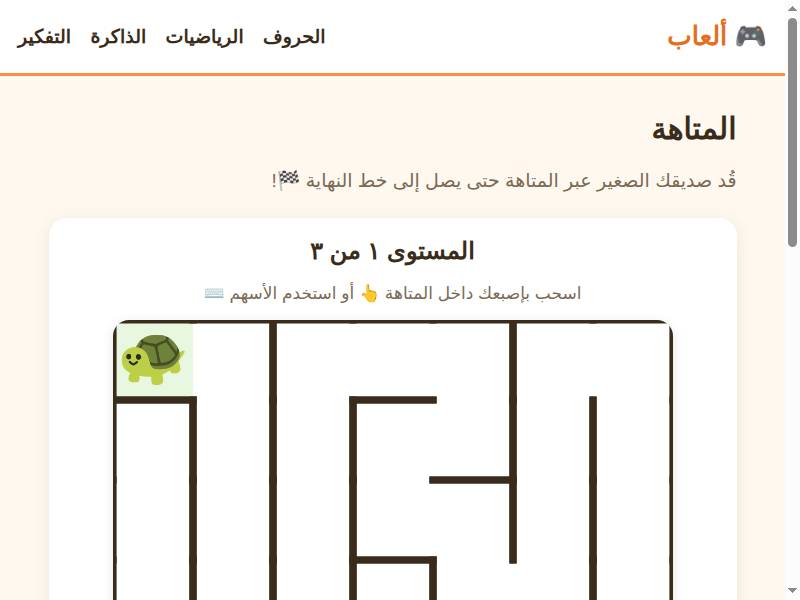
Maze needs no instructions and no language: guide the dot through the labyrinth. It’s the perfect three-second test that everything works on your device — then explore 33 more games.
More games to try
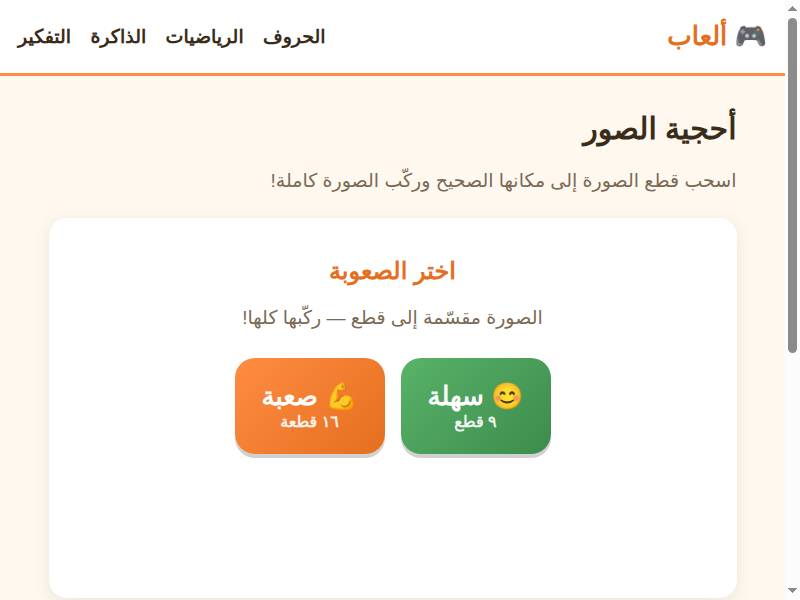
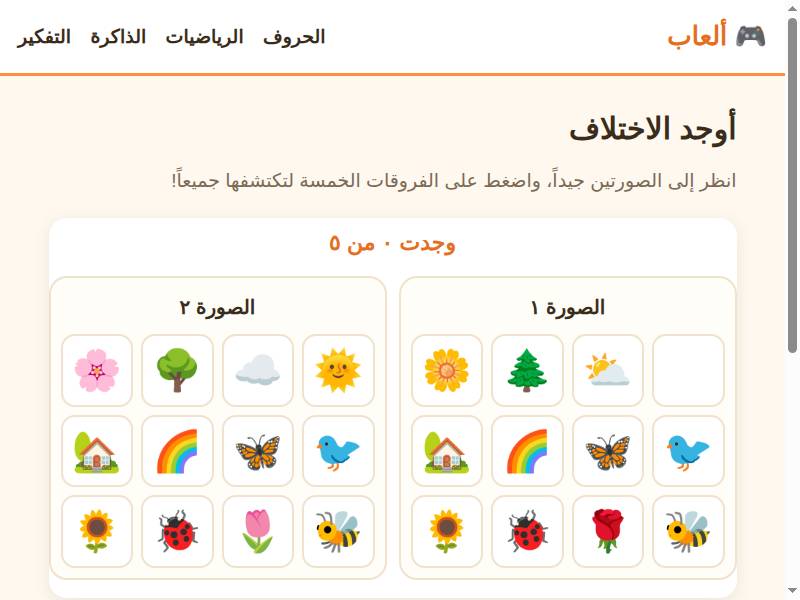
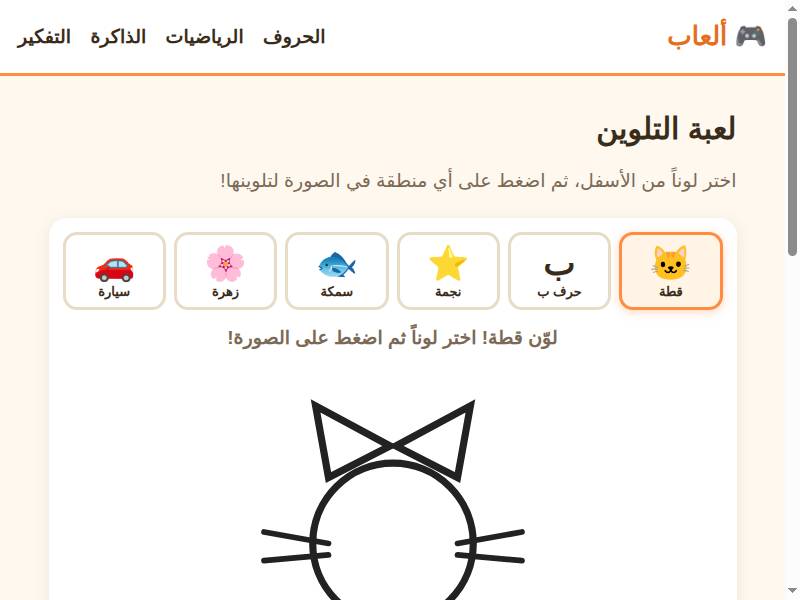
Why no-download matters
Parents have been burned before: the ‘free’ app that demands 200 MB, then an account, then a subscription to unlock level two. We built the opposite. Every game is a web page — tap the link and you’re playing in about three seconds.
That matters more than convenience: it means the games work on school Chromebooks (where installs are blocked), on phones with no storage left, on shared family tablets, and on any device a grandparent can operate. No updates to manage, no permissions to grant, no ‘this app is no longer compatible with your device.’
How to play (it’s almost insultingly simple)
Tap a game, and it starts. That’s the whole tutorial for most games. They run on phones, tablets, desktops, and Chromebooks — anything with a browser from the last decade. Sound on for the full experience (the Arabic audio is half the learning), though everything is playable muted.
And if you want offline play for flights or car rides, install the site as an app from our install guide — one tap, no app store, and the games work without internet.
Free — really? What’s the catch?
No catch, and we can say exactly why: there are no in-app purchases because there’s nothing to sell to a child. There are no ads targeted at children — no chat, no external links inside games, no data collected about your child. The project is funded as an educational resource, not a funnel. If that ever changes, the privacy page will say so first.
What ages are the games for?
Ages 3 to 10, clearly labeled on every game. Three- to five-year-olds get tapping, matching, and coloring; six- to eight-year-olds get letters, numbers, and memory challenges; eight- to ten-year-olds get logic, spelling, and multiplication. Siblings share one site with no profiles to manage — just pick the game that fits.
Tips for getting the most out of it
Bookmark the site on your child’s device home screen so it’s one tap away. Play the first round together so they know the goal. Keep sessions short — the games are designed for ten-minute bursts, which is also the attention sweet spot. And use the install guide before your next flight: offline Arabic games beat an iPad full of cartoons.
FAQ
Q: Really no download? How is that possible?
A: The games are built with web technology that runs inside your browser — the same way YouTube plays video without an app. Tap the link, the game loads in seconds, and you’re playing. Nothing is installed on your device.
Q: Will this work on a school Chromebook?
A: Yes — that’s exactly the point. Chromebooks block app installs but run browsers perfectly, so our games work where app-based learning can’t. Many teachers use them for exactly this reason.
Q: Can my child play offline, like on a plane?
A: Yes. Use our install guide to add the site to your home screen as an app — it then works without internet. Set it up over Wi-Fi before you travel, and the games are available offline.
Q: Is it actually free? Where are the ads?
A: Completely free, no in-app purchases. We show no ads targeted at children, no chat, no external links in games, and collect no data about your child. Read the privacy page — it’s short, because there’s little to disclose.
🎮 Free to play, no download needed
Play Maze now — free